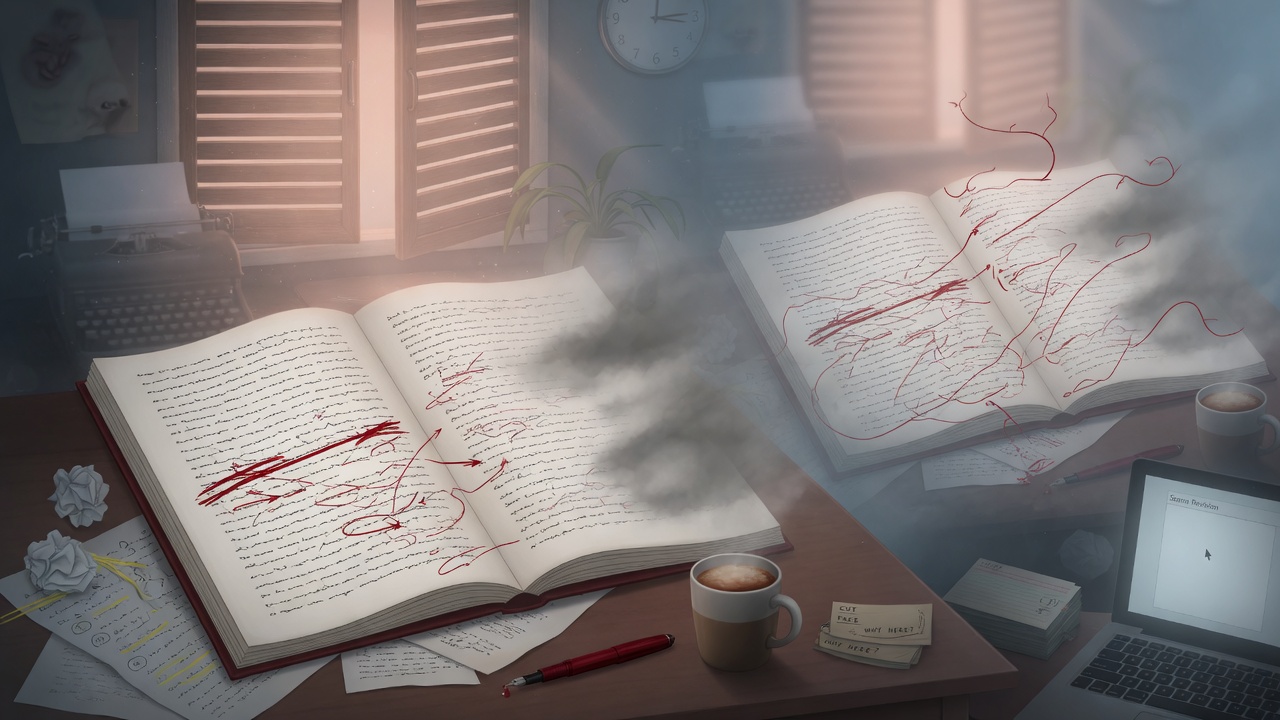
The Scene You Can't See Clearly Because You Wrote It
You know the feeling. You finish a scene, read it back, and it feels fine. Every sentence seems necessary. Then three weeks later, in a different mood, you skim the same scene and think: why is this still going? The confrontation ended two pages ago. The characters are just... talking now. This isn't a skill problem. It's a proximity problem. When you write a scene, you're holding the entire emotional arc in your head — the setup, the turn, the aftermath you imagined but never fully wrote. Your brain fills in gaps that don't actually exist on the page, and it also refuses to admit that the good stuff already happened by paragraph six. You remember writing the tension. You don't remember that the tension resolved and everything after was you, reluctant to leave the room. This is exactly the kind of blind spot where AI actually earns its keep. Not for generating prose — for reading your prose the way a stranger would, without the memory of what you meant to write. If you've used AI for drafting, you already know it has no trouble producing pages. What's less obvious is that it can also tell you, with unsettling precision, where a scene stopped doing its job. That's the skill this guide walks through.A scene doesn't fail because it's badly written. It fails because it keeps talking after it's already said what it came to say.
Step One: Force the Scene to State Its Job in One Sentence
Before you can find where a scene overstays, you need to know what it was supposed to accomplish in the first place. Not the topic of the scene — the purpose. A scene about a dinner argument might exist to reveal that one character has been lying for months. That's the job. Everything that happens after that reveal lands is optional at best. The trick is asking AI to extract this purpose without letting it hedge. If you ask "what is this scene about," you'll get a summary of events. You need to ask for the single dramatic function — the one thing that has to happen for the story to move forward.Prompt Example
Read this scene and answer in exactly one sentence: what is the single dramatic job this scene must accomplish for the plot or character arc to advance? Ignore secondary details, mood, and worldbuilding. State only the core function — e.g., "Establishes that X distrusts Y" or "Reveals the location of the artifact." Then tell me the exact sentence or paragraph in the scene where that job is first fully accomplished. Scene text: [paste scene]
Step Two: Ask AI to Mark the Cutoff and Flag the Tail
Once you know the scene's job, the next move is blunt: ask AI to tell you exactly where that job finishes, and to treat everything after as suspect.Prompt Example
The dramatic job of this scene is: "Mara realizes her brother has been feeding information to the guild." Find the exact point in the text where this realization is complete and confirmed for the reader — not hinted at, fully landed. Quote that sentence. Then list everything that comes after it, paragraph by paragraph, and for each paragraph tell me: (1) does it introduce new information the plot needs, or (2) is it emotional processing / re-explaining / lingering that could be cut or compressed. Be blunt — don't protect my prose.
Step Three: Don't Trust the Flag Blindly — Check It Against Tension
Here's where a lot of writers get this wrong. They run the cutoff prompt, see the AI say "cut everything after paragraph 8," and delete without checking whether paragraph 8 is actually where the tension peaks — or just where the *information* got delivered. Purpose and tension are not the same axis. A scene's stated job might complete early, but the emotional temperature might still be climbing. Think of a scene where a character learns the truth in line one of a confrontation, but the scene's real tension is watching them decide what to do with that truth over the next two pages. If you cut at the information-delivery point, you gut the actual reason a reader would keep turning pages. So treat the AI's cutoff suggestion as a hypothesis, not a verdict. Cross-check it with a second, narrower prompt focused purely on tension rather than plot function:Prompt Example
Ignore plot function for this pass. Just track tension. Read this scene and, for every paragraph, rate the tension level 1-10 based only on what's on the page — conflict, uncertainty, stakes in the moment, not backstory context. Give me the sequence of numbers by paragraph. Then tell me the paragraph number where tension peaks and the paragraph number where it starts declining and never recovers.
The AI is good at finding where information stops. You're still the one who has to judge where feeling stops.This is also the point where genre matters. A quiet, interiority-heavy literary scene tolerates a longer tail than a thriller scene — the "excess" in a literary manuscript is sometimes the entire point. If you're working in romance, tension curves are especially load-bearing, and it's worth checking cutoff suggestions against the beat expectations in a Romance Beat Sheet: Where AI Drafts Usually Break, since AI-generated romance scenes have a specific, predictable failure mode of over-resolving emotional beats before the chapter break should land. Fantasy has its own version of this problem — if your scene's job is explaining a magic system rule, check that the explanation stops at the constraint the plot needs and doesn't spiral into exposition, something covered well in Fantasy Magic Systems: Constraints AI Will Respect.
The Three-Pass Workflow: Extract, Locate, Rewrite the Exit
Put together, this becomes a repeatable revision pass rather than a one-off trick. Here's the sequence that works chapter by chapter:- Pass one — extract purpose. Run the one-sentence purpose prompt on every scene in the chapter. Keep a running list. If you can't get a clean one-sentence answer, that's information too — it usually means the scene is trying to do too much and needs to be split, not trimmed.
- Pass two — locate the cutoff. Run the cutoff prompt against each extracted purpose, then cross-check with the tension-tracking prompt. Mark the real cutoff point where both plot function and emotional temperature have peaked and started to flatten.
- Pass three — rewrite the tail. Don't just delete everything after the cutoff. Ask AI to help you compress what remains into a faster exit — a line or two that lands the scene's final note without lingering.
Prompt Example
Here's a scene where the dramatic job completes at paragraph 7 ("She holds up the photograph without a word"). Paragraphs 8 through 13 currently re-explain the betrayal, restate her anger, and describe her walking home. I don't want to just cut it — I want a 2-3 sentence exit that closes the scene on the same emotional note but gets out fast. Keep her interiority but cut restatement. Match the voice and rhythm of paragraphs 1-7. Here's the full scene: [paste]