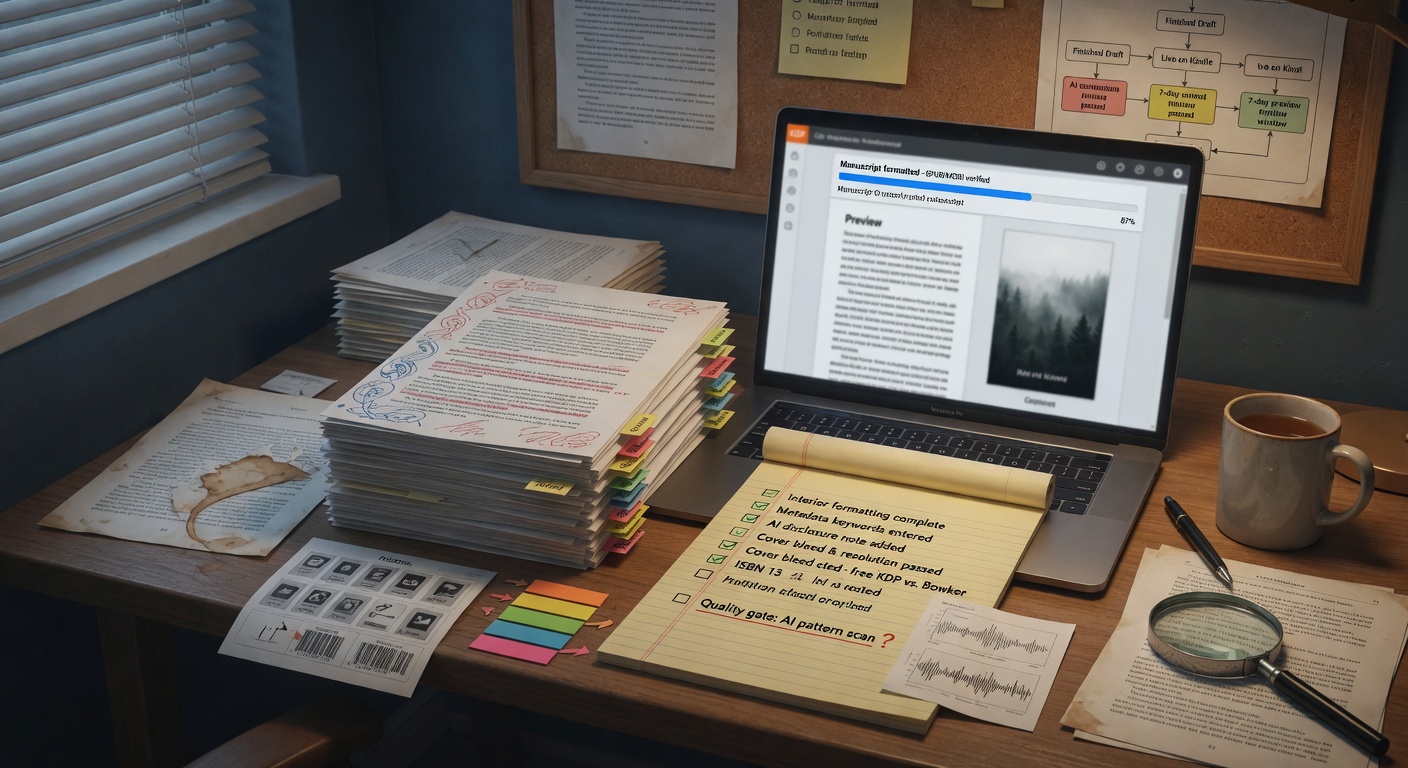
Kindle Direct Publishing does not care whether a human or a model typed your chapters—but readers care if the book reads like slop. This checklist assumes you have a complete draft and have run at least one structural revision pass.
Before you export
- Front matter: title page, copyright, optional dedication
- Chapter headings consistent (use the chapter heading formatter if you pasted from AI chat)
- Scene breaks normalized (* * * or # — pick one)
- Curly quotes and em dashes consistent (try the quote normalizer)
- No placeholder text ("[describe fight scene]")
Quality gates (non-negotiable)
- Full read-aloud of chapter one and your favorite chapter—awkward rhythm shows up in speech
- Beta reader or paid dev edit on at least the first third
- Manuscript cleanup report — run our all-in-one checker and fix top flags
- Proofread — AI misses homophones (their/there) constantly
Metadata that sells the book you wrote
Pick two accurate BISAC-style categories, not vague "fiction." Write a blurb that names the protagonist, conflict, and stakes—avoid "In a world where..." openings. Use the blurb builder to stress-test length for Amazon mobile.
Estimate print length with the KDP page estimator if you plan a paperback. AI drafts often run short; know before you price.
Export and upload
Entangled Text exports EPUB and DOCX. Upload EPUB to KDP; download KDP's online previewer and click through on phone-sized view. Broken TOC entries are the most common AI-export failure.
After launch
Monitor early reviews for "felt like AI" complaints—usually telling, repetitive dialogue, or flat endings. Queue a patch version; KDP allows updated files.
Disclosure: Amazon's policies evolve. You are responsible for accurate content and rights. AI assistance is fine; plagiarized or unlicensed training-data excerpts are not.
Cover, blurb, and categories (do these before you click Publish)
A clean EPUB with a generic cover and a vague blurb still fails. Write the blurb as if a tired phone scroller will give you eight seconds: protagonist, conflict, stakes, tone. Avoid “In a world where.” Stress-test length with the blurb builder. Categories should match the book you wrote, not the book you wish ranked — romance readers punished for a thriller pace leave one-star “not a romance” reviews that no metadata tweak will fix.
If you used AI for cover art, check text-on-cover spelling at phone size. KDP’s previewer is closer to what buyers see than your laptop PNG. Entangled Text Ship can store listing fields so the file you export and the copy you paste into KDP are the same book.
KU vs wide, and AI disclosure
Kindle Unlimited exclusivity is a business choice, not a formatting one. Decide before upload; 90-day windows are annoying to unwind. Wide distribution (Kobo, Apple, Draft2Digital) wants a valid EPUB with a working TOC — the same file you should already preview on KDP.
Amazon’s content and AI-disclosure fields change. Read the current KDP help pages when you upload. Disclose what they ask. Do not paste someone else’s book into a prompt and call the output original. That is not “AI-assisted”; that is a rights problem.
Preflight that actually catches AI-export bugs
- Open the EPUB on a phone-width preview. Click every TOC entry. Broken anchors are the most common “I exported from a chat log” failure.
- Search the file for leftover markdown (
**,# Chapter), placeholder brackets, and “As an AI” accidents. - Confirm chapter titles in the TOC match headings in the body. Mixed “Chapter 12” / “Twelve” looks amateur.
- Look at the first page after the cover in the previewer — not Word on your desktop. Front matter order (title, copyright, dedication) should match what you intended.
When the file is clean, follow the store-by-store steps in publish, launch, and distribute. Formatting is not marketing, but a broken TOC will tank your sample conversion before ads or newsletters matter.