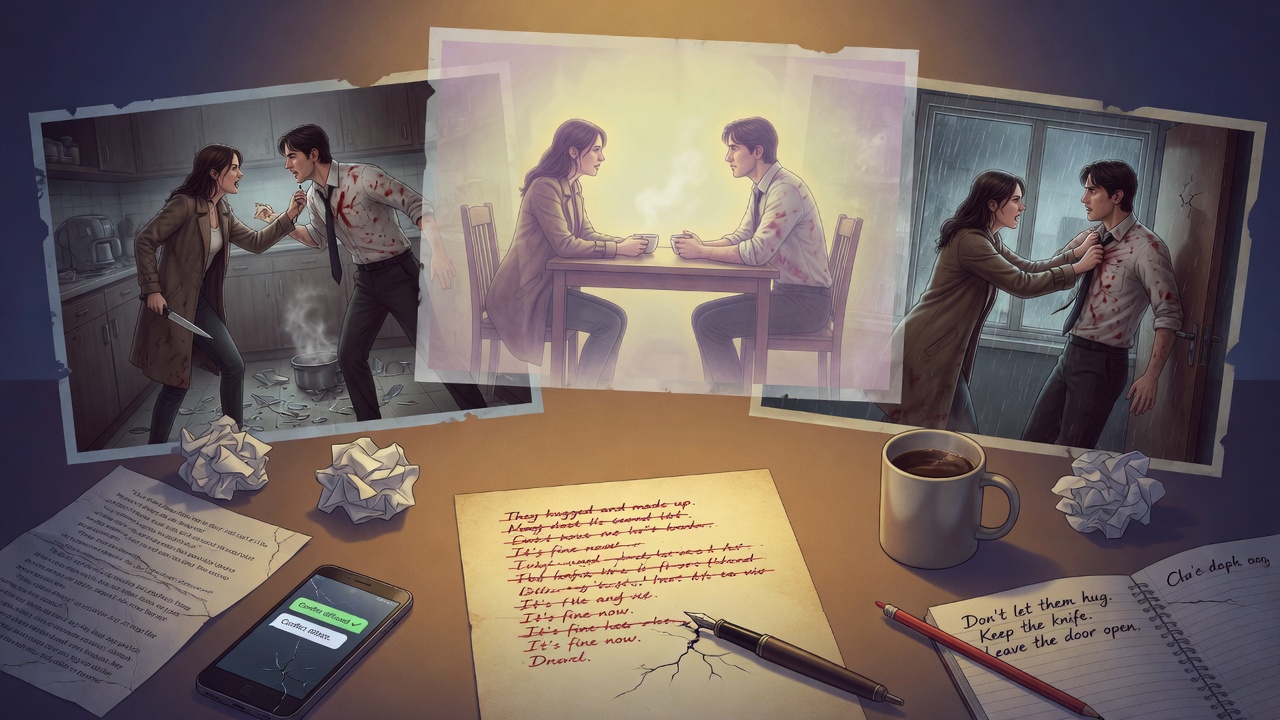
There's a particular frustration that comes with using AI to write tense scenes. You set up a confrontation between two characters — maybe a husband and wife finally having the argument that's been building for three chapters, or a mentor discovering their student has been lying to them — and the AI writes it beautifully for about four paragraphs. The dialogue crackles. The subtext is doing its job. And then, right when things should get worse, something shifts. One character sighs. The other one "realizes" something. They reach an understanding. The scene closes like a fist unclenching, and you're left staring at a resolution that nobody earned.
This isn't a bug in any one model. It's baked into how these systems are trained. And once you understand why it happens, you can stop fighting it and start working around it deliberately.
Why AI Rushes to Resolution: The Helpfulness Problem
AI models are trained on human feedback, and humans — when rating creative outputs — tend to reward scenes that feel complete. A scene where two characters argue and then one of them apologizes feels finished. It has an arc. The raters click "good." A scene where two characters argue and then separate in cold silence, with nothing resolved, can feel unfinished to someone who doesn't understand why that matters narratively. So over thousands of training iterations, models learn that resolution equals quality.
There's also something deeper going on. These models are fundamentally optimized to be helpful and to reduce friction. Unresolved conflict is, by definition, friction. The AI is doing exactly what it's been shaped to do — it's just that what you need as a fiction writer is the opposite of frictionless.
The AI isn't failing at tension. It's succeeding at completion. Those are two very different things, and most prompts accidentally ask for the second one when they want the first.
The sneaky part is that the resolution often sounds like good writing. A character's eyes "soften." Someone "swallows their pride." The argument pivots into an embrace or a quiet admission. These are competent emotional beats — they're just being deployed forty pages too early. The model found the nearest exit and took it, because nothing in your prompt told it to stay in the burning building.
Four Structural Tells That Your Scene Closed Too Fast
Before you can fix a scene, you need to recognize that it's been closed prematurely. These are the patterns that show up again and again in AI-generated conflict scenes.
1. The Insight Pivot
A character suddenly "understands" something mid-argument. Not because the other character made a compelling point or because something was revealed — just because the scene needed to end. You'll see this flagged by phrases like "she realized," "it dawned on him," or "for the first time, he saw." The insight appears from nowhere and drains the conflict of its charge. Real understanding in fiction is usually hard-won and often wrong.
2. The Softening Beat
Physical description is weaponized for emotional closure. The angry character's shoulders drop. The tense jaw unclenches. The hands that were balled into fists open slowly. These are legitimate gestures, but the AI uses them as a scene exit: describe the body relaxing, then write the emotional resolution. Watch for any physical description of a character "releasing" tension before the dramatic core of the scene has actually played out.
3. The Deflection to Silence
This one's sneaky because it can look like good literary fiction. The characters stop arguing and just... sit there. In the hands of a skilled writer, a scene that ends in silence after a confrontation can be devastating. But when the AI does it, the silence is usually described as "companionable" or "weighted with things unsaid" — it's resolution dressed in literary clothing. Genuine unresolved silence feels different. It has edges.
4. The Topic Change Escape
The scene shifts to logistics, action, or environment right when the conflict peaks. One character asks what's for dinner. There's a knock at the door. Someone notices it's started raining. These external interruptions aren't necessarily wrong — real conflict does get interrupted — but the AI uses them to dissolve dramatic tension rather than suspend it. The interruption becomes an ending rather than a complication.
If your scene contains two or more of these patterns, the AI has almost certainly resolved things before they were ready to be resolved.
The 'Hold the Wound Open' Prompting Method
The core principle here is simple, even if executing it takes some practice: you have to explicitly tell the AI that the conflict cannot resolve. Not "keep it tense" — that's too vague, and the model will decide for itself what tense means. You need structural instructions that close off the exits.
I think of this as wound management. A scene with real dramatic tension has an open wound in it. Something is wrong, broken, or unsaid, and the reader feels it. The AI's instinct is to bandage the wound before the scene ends. Your job, through prompting, is to make the AI leave it open.
The technique is to describe not just what you want in the scene, but what you explicitly do not want. Negative constraints are often more effective than positive ones when it comes to tension.
There are three levers you can pull:
- Forbid resolution language explicitly. Tell the model that no character should soften, apologize, reach understanding, or feel relief by the end of the scene. Name these things directly.
- Specify the ending emotional state. Instead of letting the AI decide how to close the scene, tell it exactly where each character should be emotionally when the scene ends — and make sure that state is still charged. "At the end of this scene, Marcus should still feel like he's been betrayed and isn't ready to forgive. Elena should feel like she's said too much but wouldn't take it back."
- Give the scene a hard stop point. Tell the AI exactly when the scene ends — not when the conflict is over, but at a specific moment. "The scene ends when she leaves the room. Not after a goodbye. She just leaves."
The combination of these three levers is what I call the Hold the Wound Open method. You're not just asking for tension — you're building a structural fence around the resolution options and forcing the AI to work within them.
Prompt Examples: Keeping Conflict Alive Across Scene Length
Here's where this gets practical. These aren't templates — they're examples you can study, steal, and modify for your own work.
For a short confrontation scene (under 600 words)
Write a scene between Nadia and her father, Viktor, approximately 500 words. Nadia has just told Viktor she's dropping out of law school. Viktor doesn't yell — he goes cold and quiet, which is worse. The scene should end when Nadia picks up her bag and walks out without either of them saying goodbye. Do not let Viktor soften or show understanding. Do not let Nadia cry or apologize or explain herself further after her initial announcement. The wound between them should be completely open at the end. Neither of them should feel relief. Viktor should still believe he's right. Nadia should still believe he's wrong. Write in close third person, Nadia's POV.Why this works: It specifies the ending image concretely (the bag, the walk out, no goodbye), forbids the two most common softening moves (Viktor understanding, Nadia apologizing), and locks down the emotional state of both characters at scene's end. The word count constraint also helps — a 500-word scene doesn't have room for a full arc, so the AI is less likely to try to build one.
For a longer scene with escalating conflict
Write a scene of approximately 1200 words. Two detectives, Reyes and Callahan, are debriefing after an interrogation went wrong. Reyes thinks Callahan compromised the case by losing his temper with the suspect. Callahan thinks Reyes is covering her own mistakes by blaming him. The argument should escalate in three beats: first professional disagreement, then personal grievance, then something genuinely ugly gets said that can't be unsaid. The scene ends immediately after the ugly thing is said — cut to black right there, no reaction, no processing. Do not let either character back down, apologize, or show regret within the scene. The ugly thing that gets said should be true, which is what makes it unforgivable. Write in close third person, alternating focus but slightly weighted toward Reyes.Why this works: The three-beat escalation structure gives the AI a roadmap that prevents it from resolving the conflict in beat one. The "cut to black" instruction removes the AI's ability to write an aftermath. And the note that the ugly thing should be "true" pushes the model toward something with real weight rather than a cheap shot that can be easily dismissed.
For conflict that needs to stay alive across multiple scenes
I'm working on a chapter where the same unresolved conflict appears in three separate scenes. The conflict: Theo knows his sister Marguerite has been stealing from their mother, and Marguerite knows Theo knows, but neither has confronted the other directly. Write scene two of three. In scene one, they had a tense dinner where the knowledge sat between them unspoken. In scene three (which I'll write later), it will finally come out. Scene two should be them helping their mother move boxes in her apartment — mundane physical activity, almost no direct conversation about the real issue. The tension should come from proximity and avoidance. End the scene with them accidentally making eye contact over a box of their mother's old photographs, then both looking away. The confrontation has not happened. It must not happen in this scene. The silence between them should feel heavier at the end than at the beginning.Why this works: Telling the AI where this scene sits in a larger sequence (scene two of three) gives it important context. It knows resolution is not this scene's job. The mundane activity (moving boxes) is also a constraint that naturally limits how explosive the conflict can get, which paradoxically keeps the tension more controlled and sustainable.
Editing Checklist: Restoring Tension After the Fact
Sometimes you get a scene back and the AI has already closed it. Rather than regenerating from scratch, you can often fix it in targeted passes. Here's a practical checklist for doing that.
Step 1: Find the closing move. Read the last third of the scene and mark the sentence where the tension first breaks. This is usually earlier than you think. It's not the final resolution — it's the moment that made the resolution feel inevitable. Circle it.
Step 2: Delete from that sentence onward. Seriously. Just cut everything after the moment the scene started wrapping up. You probably have a good scene hiding in the first two-thirds.
Step 3: Replace the closing with a suspension. Now ask the AI to write you a new ending, using this kind of prompt:
Here is a conflict scene that resolved too quickly. I've cut it off at the moment it started wrapping up. Write 150-200 words that continue from where I've cut it, but do not resolve the conflict. The last image of the scene should be visual and specific — something one character does or notices — not an emotional summary. Do not use the words "realized," "understood," "softened," or "finally." [Paste your truncated scene here.]Step 4: Check for softening language. Do a word search for: realized, understood, softened, finally, sighed, unclenched, released, nodded slowly, somehow. These aren't always wrong, but they're the AI's go-to resolution vocabulary. Each one is worth a second look.
Step 5: Read the last line aloud. If the last line of the scene could double as the last line of the story — if it has that quality of completion — the scene has closed. The last line of a mid-book conflict scene should leave a splinter in the reader, not a sense of arrival.
The most useful thing I can leave you with is this: before you hand a conflict scene to the AI, write one sentence for yourself that describes where the wound should be at the end of the scene. Not resolved. Not healing. Just — where is it, and how bad does it hurt? Then build your prompt around protecting that wound. Tell the AI exactly what the wound is, and tell it directly: do not let this heal. That single instruction, stated plainly, will change what you get back more than almost anything else you can do.