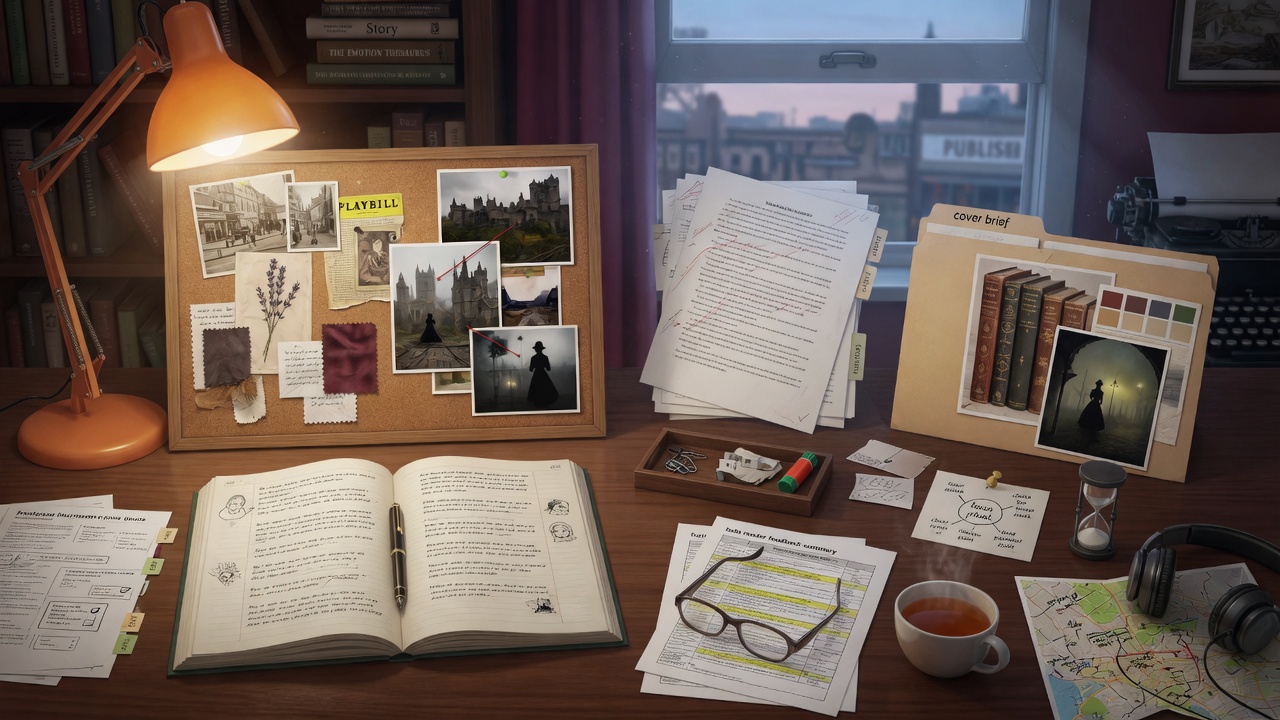
Finishing a novel is not only a drafting problem. You also need somewhere to park reference photos, a way to stay focused, a place for lore that is not buried in chat history, and—eventually—covers, blurbs, and human eyes on the manuscript. This roundup sticks to services that help around the writing, not AI novel generators that try to replace your drafting workflow.
Use these beside Story Studio (or whatever you already write in). Pick one or two that fix a real pain point; you do not need the whole stack on day one.
Quick comparison
A short view of what each tool is for. Details and honest caveats follow below.
| Service | Best for | Free to start? | Pairs well with |
|---|---|---|---|
| SnapTapGo | Visual research & mood boards by project | Yes | Historical, location-heavy, or co-authored books |
| Obsidian | Linked notes, world bibles, research wiki | Yes (local vault) | Series lore, timelines, character sheets |
| Canva | Covers, social graphics, simple promo | Yes | Launch posts, newsletter headers, ARC graphics |
| Hemingway Editor | Clarity & readability passes | Yes (web editor) | Late revision after structure is locked |
| Reedsy Marketplace | Hiring editors, designers, marketers | Browse free; you pay pros | When DIY polish is not enough |
| Freedom | Blocking distractions while drafting | Trial / paid plans | Sprint days and phone-away sessions |
SnapTapGo — keep reference images with the book they belong to
Most writers do not lose words; they lose pictures. Location shots live in the camera roll. Character refs sit in three browser folders. A co-author emails attachments you will never find mid-scene. That is the problem SnapTapGo is built for: one project per book, sections for locations, characters, period details, mood, or cover concepts, notes attached to images, and a share link collaborators can use without creating an account.
If your draft stalls because you cannot find “that coat from chapter three,” use SnapTapGo to organize your visual research before the pile gets worse. Upload from phone or desktop, pin resource links next to photos, and download a ZIP archive when the book is done. Free tiers are enough to test a single novel’s research board.
When it helps most: historical fiction, travel-inspired settings, cover briefs for a designer, and any co-writing setup where references used to live in email.
Obsidian — a second brain that is not a chat thread
Obsidian stores Markdown notes in a local vault you control. Link characters to places, places to plot threads, and plot threads to research sources. It will not draft chapters for you—and that is the point. Use it when your series bible outgrows a single document and you want search, backlinks, and optional graph view without locking lore into a proprietary AI project.
Tip: Keep the vault boring: one note per character, one per location, a timeline note, and a “open questions” note. Fancy plugins can wait until the habit sticks.
Canva — graphics without a design degree
Canva remains the practical choice for indie promo: Instagram carousels, newsletter banners, simple cover mockups, and “coming soon” tiles. Template-heavy tools can look samey, so steal composition ideas from books in your genre, then swap typography and color until it stops looking like a default template.
For final retail covers, many authors still hire a designer (see Reedsy below) and use Canva for everything around the launch.
Hemingway Editor — a harsh friend for clarity
The free web version of Hemingway Editor highlights long sentences, passive voice, and adverbs. It is not a substitute for voice or story sense—AI drafts already tend toward bland clarity—but it is useful on a late pass when you want narration to move. Paste a chapter, fix the worst offenders, and ignore suggestions that would flatten a deliberate rhythm.
Do not run Hemingway on dialogue-heavy scenes and accept every cut. Characters are allowed to ramble; narration usually is not.
Reedsy Marketplace — humans when you need humans
Reedsy’s marketplace connects you with freelance editors, cover designers, and marketers. Entangled Text (and any drafting stack) still leaves room for a developmental edit, a copyedit, or a cover that signals genre on a thumbnail. Browse portfolios, request quotes, and treat hiring as a project with a brief—not a vague “please make it better.”
If budget is tight, save marketplace spend for the one bottleneck that blocks sales (often cover + blurb, or a continuity pass on a series).
Freedom — protect the drafting hour
Freedom blocks sites and apps across devices for a timed session. It will not write the book. It will stop you from “quickly checking” something that becomes forty minutes of timeline doomscrolling. Pair a Freedom session with a concrete sprint goal (one scene, one chapter polish) so the empty browser is not itself a distraction.
How to use this stack without drowning in tools
- Drafting home — Keep prose in one studio or editor. Do not hop apps mid-chapter.
- Research lane — Put images in SnapTapGo (or a single Drive folder if you refuse another account). Put text lore in Obsidian or a simple bible doc.
- Revision lane — Structure first, then clarity tools like Hemingway, then human editors if needed.
- Launch lane — Canva for promo; Reedsy (or a trusted freelancer) for make-or-break assets.
If a tool does not remove friction within a week, drop it. The goal is a finished book, not a perfect dashboard.
Related reading on Entangled Text
For the drafting and publishing path itself, start with the beginner writing tips handbook, then write a book with AI, edit a book with AI, and the AI draft to Kindle checklist when you are ready to ship.