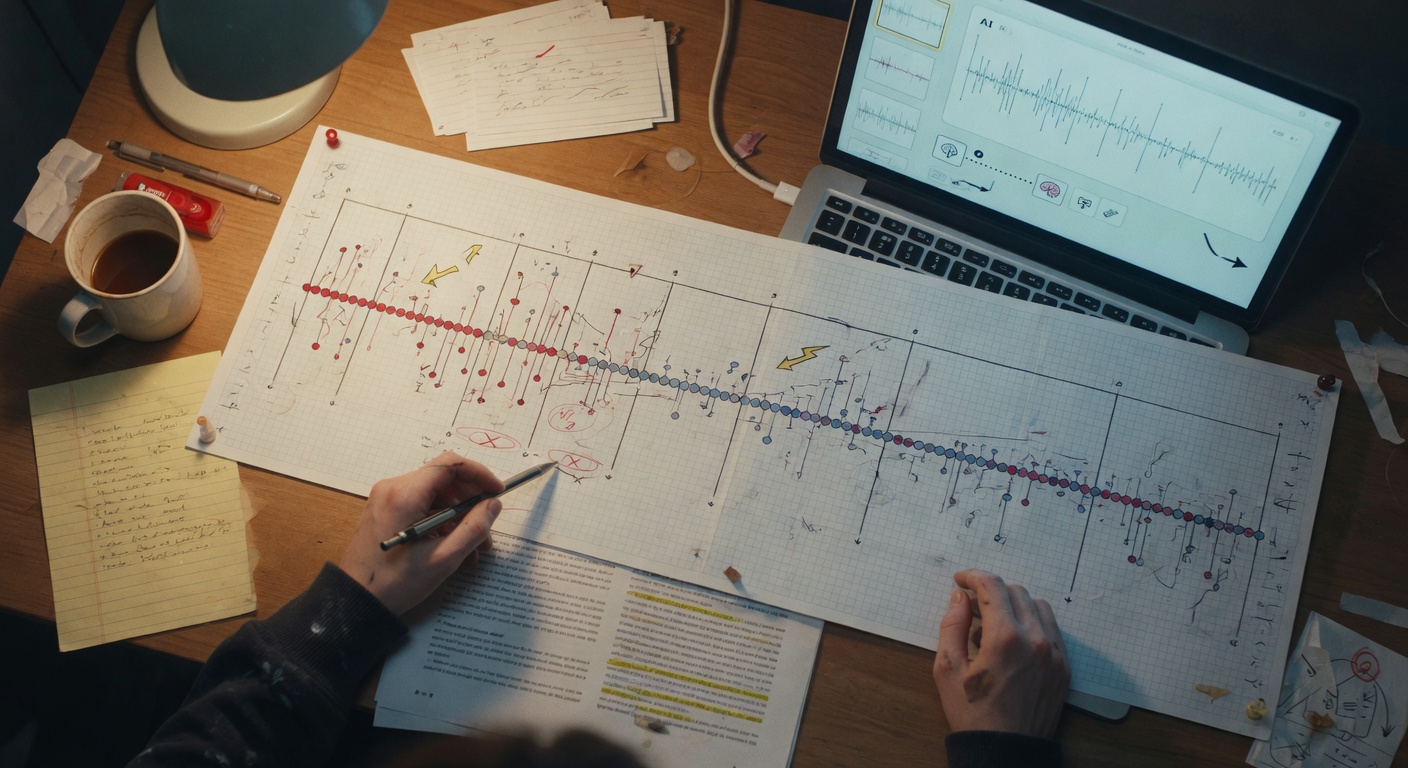
Pacing is one of those craft problems that's genuinely hard to see from inside your own draft. You've read the chapter fifteen times. You know what's supposed to feel urgent, what's supposed to breathe, what's supposed to land like a gut punch. But your brain fills in the tension that isn't on the page, skips over the repetition because you already know the payoff is coming. You're too close to it.
A beat map fixes that. And AI makes building one fast enough that you'll actually do it before revision instead of telling yourself you will and then just... revising blind anyway.
What a Beat Map Is and Why AI Makes It Faster
A beat map is a scene-by-scene breakdown of what's actually happening in a chapter — not what you intended to happen, but what's on the page. Each entry captures the core action or event, the emotional register, the tension level, and whether the scene is moving the story forward or holding it in place.
Think of it like a heart rate monitor for your chapter. A healthy chapter has rhythm: rises, falls, spikes, moments of rest before the next spike. A beat map makes that rhythm visible so you can stop guessing and start diagnosing.
Traditionally, you'd do this by hand — read through the draft, jot notes, create a spreadsheet or index cards. It works, but it takes an hour or two just to build the map, before you've done any analysis. That time cost is why most writers skip it.
AI can generate a rough beat map from a pasted draft in about thirty seconds. It won't be perfect — you'll tweak it — but it gives you a working skeleton to react to, which is dramatically faster than building from scratch. Your job shifts from construction to editorial judgment, which is where your energy should be anyway.
The goal isn't to outsource your craft. It's to get a clear-eyed view of your own draft faster than you could get it alone.
Step 1: Prompting AI to Extract Your Chapter's Beats
Paste your chapter into the AI and ask it to build the map. The quality of what you get back depends almost entirely on how specific your prompt is. A vague prompt ("analyze my chapter") gets you a vague summary. You want a structured breakdown that you can actually use.
Here's what to ask for in your prompt:
- Scene or beat number
- A one-sentence description of what happens (action, not theme)
- The dominant emotional register (tense, mournful, comedic, flat, etc.)
- A tension rating on a simple scale (1–5 works fine)
- Whether the beat is advancing (moves plot or character forward), sustaining (maintains existing tension), or stalling (neither advances nor sustains)
That last column — advance/sustain/stall — is the one that actually reveals your pacing problems. Most writers have too many stalling beats and don't know it.
Read the chapter draft I'm about to paste. When you're done, build a beat map in table format with the following columns:

Beat # | Scene Description (one sentence, focus on action) | Emotional Register | Tension Level (1–5) | Beat Function (Advancing / Sustaining / Stalling)

Be specific in the scene descriptions — I want what actually happens on the page, not thematic interpretation. If a beat is stalling, note it even if the prose is good. Don't summarize the chapter; map every distinct beat, including transitions if they carry emotional weight.

Here's the chapter: [PASTE CHAPTER]
This works because you're giving the AI a concrete job with defined outputs instead of an open-ended question. The table format forces it to be granular. The instruction to flag stalling beats even when the prose is good matters — AI will tend to be generous about prose quality unless you explicitly tell it not to confuse good writing with functional pacing.
One thing to tweak: if your chapter is over 3,000 words, consider breaking it in half and running two prompts. Long chapters sometimes cause the AI to compress the back half of the map, which defeats the purpose.
When you get the map back, read it before you do anything else. Don't jump to analysis yet. Just read it like you're meeting your chapter for the first time. Often the problems are obvious the moment you see the beats listed out.
Step 2: Reading the Map — How to Spot Pacing Red Flags
You don't need a formula for good pacing. You need to know what broken pacing looks like when it's sitting in front of you.
Here are the patterns that show up most often:
Too many consecutive stalling beats
One stalling beat — a moment of reflection, a description that lets the reader breathe — is fine. Two in a row starts to drag. Three consecutive stalling beats and your reader is checking their phone. Look for runs of stalling beats and mark them immediately. These are your first revision targets.
Tension levels that don't fluctuate
If your tension column reads 3, 3, 3, 4, 3, 3, 3, you have a flat chapter. Flat doesn't mean calm — it means predictable. Even a chapter that's supposed to be quiet needs variation. Tension 2, then 4, then 2, then 5 creates shape. A straight line creates numbness.
Conversely, if your tension column reads 5, 5, 5, 5, 5, that's also a problem. Sustained maximum tension isn't tense — it's exhausting. Readers can't feel the spikes if there's no valley before them.
Emotional register that never shifts
Check the emotional register column for monotony. A chapter that's "tense, tense, tense, tense" or "mournful, mournful, mournful" loses its effect through repetition. Your reader stops feeling it because there's nothing to contrast it against. Even a dark chapter needs a beat that's dark-and-absurd, or dark-and-tender, or dark-and-exhausted. Variation within a register is what makes that register land.
The chapter ends on a stalling beat
This one's surprisingly common. Writers spend all their energy on the middle of a chapter and then just... stop. Check your last two beats. If they're both sustaining or stalling, your chapter is ending with a shrug instead of a hook, a question, or a settled arrival. All three are valid endings. A shrug isn't.
A beat map doesn't tell you what your chapter should do. It shows you what your chapter is actually doing — and that gap is where all your revision decisions live.
Too many advancing beats with no breathing room
Yes, this is also a problem. If every single beat is advancing, your reader can't absorb what's happening. Pacing isn't just about speed — it's about rhythm. Pure velocity feels chaotic. You need the occasional sustaining beat to let a revelation or emotional shift actually register before you move to the next one.
Step 3: Using AI to Prescribe Scene-Level Fixes
Once you've identified the problem beats, go back to AI with a targeted prompt. Don't ask it to "fix your pacing" in the abstract — that'll get you generic advice about adding conflict and varying sentence length, which isn't useful. Ask it to look at specific beats and prescribe specific interventions.
The key shift here is that you're now working with the map, not the chapter. You can paste just the problem beats, describe the surrounding context, and ask for concrete suggestions.
I'm revising a chapter from my thriller. Here's my beat map:

Beat 4: Marcus searches the apartment. Tension: 2. Stalling.
Beat 5: Marcus thinks about his ex-wife. Tension: 2. Stalling.
Beat 6: Marcus finds the burner phone. Tension: 3. Advancing.

Beats 4 and 5 are back-to-back stalling beats that kill momentum before the discovery in Beat 6. The chapter needs to maintain dread through this sequence without just cutting these beats entirely — the apartment search needs to feel methodical and the ex-wife thought is important character context.

Give me three specific ways to restructure or rewrite Beats 4 and 5 to raise their tension without removing their function. Be concrete — suggest what Marcus could notice, do, or feel, not just "add tension."
Notice what this prompt does: it gives context (thriller, dread needed), names the specific problem (back-to-back stalls), explains why you can't just delete them (function matters), and asks for concrete suggestions. That last line — "not just 'add tension'" — is important. Without it, you'll get advice like "consider having Marcus feel a sense of unease." That's useless. You want "have Marcus notice a cigarette that's been stubbed out recently — the smell still faint — before he's looked at anything else."
Here's a second prompt style for when the problem is structural rather than beat-level:
Here's the beat map for my chapter. The tension levels are: 2, 2, 3, 2, 5, 2, 2, 4, 2.

The spike at Beat 5 (tension 5) is the chapter's confrontation scene. The problem is that everything before and after it is flat — the confrontation feels isolated instead of earned, and the chapter deflates completely after it.

Based on this tension pattern, suggest a reordering or restructuring of beats that would create a better build toward the confrontation and a stronger exit from it. I'm open to combining beats, splitting beats, or adding a new beat. The confrontation itself (Beat 5) is fixed — don't move or change that.
This prompt works because you've given the AI a structural constraint (Beat 5 is fixed) and a clear diagnosis (confrontation feels isolated). It can now suggest reordering without touching what's working. You get architectural advice, not line-level edits.
After you get suggestions, don't implement them wholesale. Read them, see which ones feel right for your characters and story, and use them as starting points. The AI doesn't know your character's voice or your thematic intentions — you do. It's giving you options, not answers.
Putting It Together: A Full Pacing Audit in Under an Hour
Here's the actual workflow, start to finish:
Minutes 0–5: Setup. Open your chapter draft. Decide whether you're auditing the whole chapter or a problem section you already suspect. If the chapter is over 4,000 words, split it.
Minutes 5–15: Generate the beat map. Paste the chapter with the extraction prompt from Step 1. Read the output once without judgment. Don't start editing the map yet — just read it.
Minutes 15–25: Read and annotate the map. Go through each beat and mark it manually: circle stalling beats, put a slash between any two consecutive same-register beats, draw arrows to show where tension should logically be higher or lower than it is. This is your editorial eye working on the AI's output, not the AI doing your thinking for you.
Minutes 25–40: Run targeted fix prompts. Take your top two or three problem areas and run specific prescriptive prompts (like the ones in Step 3). Don't try to fix everything at once. Prioritize the problems that affect the most beats or are closest to your chapter's key moments.
Minutes 40–55: Build your revision notes. Based on the AI's suggestions and your own judgment, write a short revision note for each problem beat: what specifically needs to change and why. These notes go into your draft document, not a separate file — put them right above the problem paragraph so you can't miss them when you revise.
Minutes 55–60: Gut check. Reread just the emotional register column of your beat map, top to bottom. Does it have shape? Does it breathe? Does it end with intention? If yes, you're ready to revise with a clear target. If not, you've probably identified one more thing to add to your notes.
The beat map doesn't replace revision — it focuses it. You're not rewriting hoping it'll feel better. You're making specific, informed changes to specific beats for specific reasons.
One practical note: save your beat maps. After you revise, generate a new one and compare the two. Seeing the before-and-after maps side by side is one of the fastest ways to train your eye for pacing — you'll start recognizing the patterns in your drafts before you even need to map them.
The first chapter you audit this way will take the full hour. By the fifth or sixth, you'll be running the whole process in twenty minutes and catching pacing problems before they make it out of the first draft. That's when the workflow stops feeling like a tool and starts feeling like instinct.
Start with your most recent chapter — the one you revised and still isn't quite working. Paste it in, run the extraction prompt exactly as written above, and see what the map actually says. The problem is probably visible in the first read-through of the output. It usually is.